

Android Closed Testing: Solo Developer Guide to Pass Production Access
To launch an app on Google Play Store, you must pass Closed Testing requirements.
But for solo developers, this is a massive hurdle. Finding 12+ testers, keeping them engaged for 14 days…
In this guide, we will cover everything you need to know about Android closed testing.
1. What is Closed Testing Track?
According to Google Play Store policy, new developers must pass closed testing to get Production Access.
Who Needs It
- New developer account registrations
- Accounts with no app publishing history
- Solo developers launching their first app
Requirements
- Minimum 12 testers
- 14+ days of sustained participation
- Real user feedback collection
2. Why Is This So Difficult?
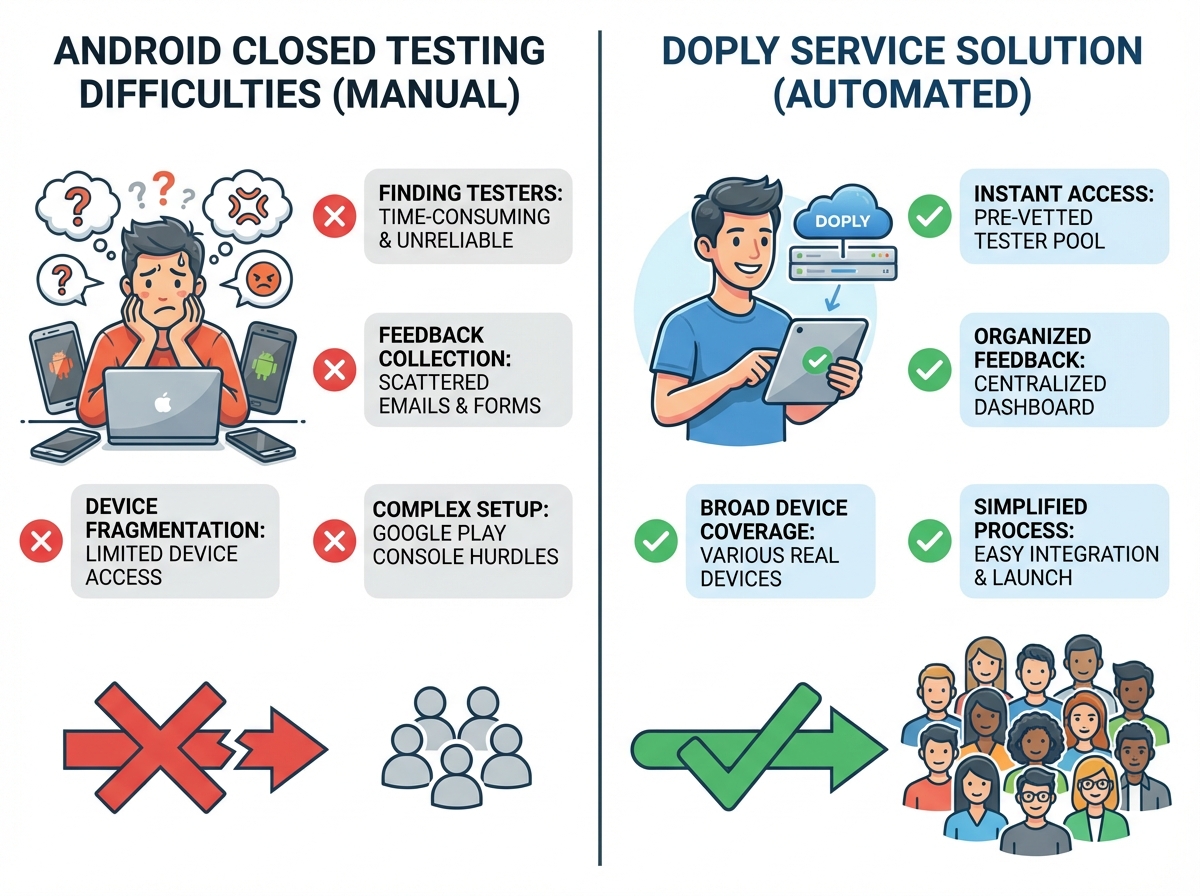
The Tester Challenge
This is the biggest concern for individual developers.
- Even if you find 20 people, they won not all participate
- Testers need to install, use, and provide feedback
- Repeating this for 14 days is incredibly challenging
Stringent Review Criteria
Simply registering testers is not enough.
- Verify testers actually used the app
- Ensure user feedback was properly collected
- Confirm continuous updates during testing period
Rejection Nightmare
Fail once, and you face another strict review when you reapply.
- Insufficient tester participation → Rejected
- Lack of feedback → Rejected
- Inadequate updates → Rejected
3. How to Pass Easily?
This is where external professional services become the key solution.
Doply.io: Automated Closed Testing
Doply is a service that automatically fulfills Google Play closed testing requirements.
What They Provide:
- ✅ Automatic tester recruitment (12+ people)
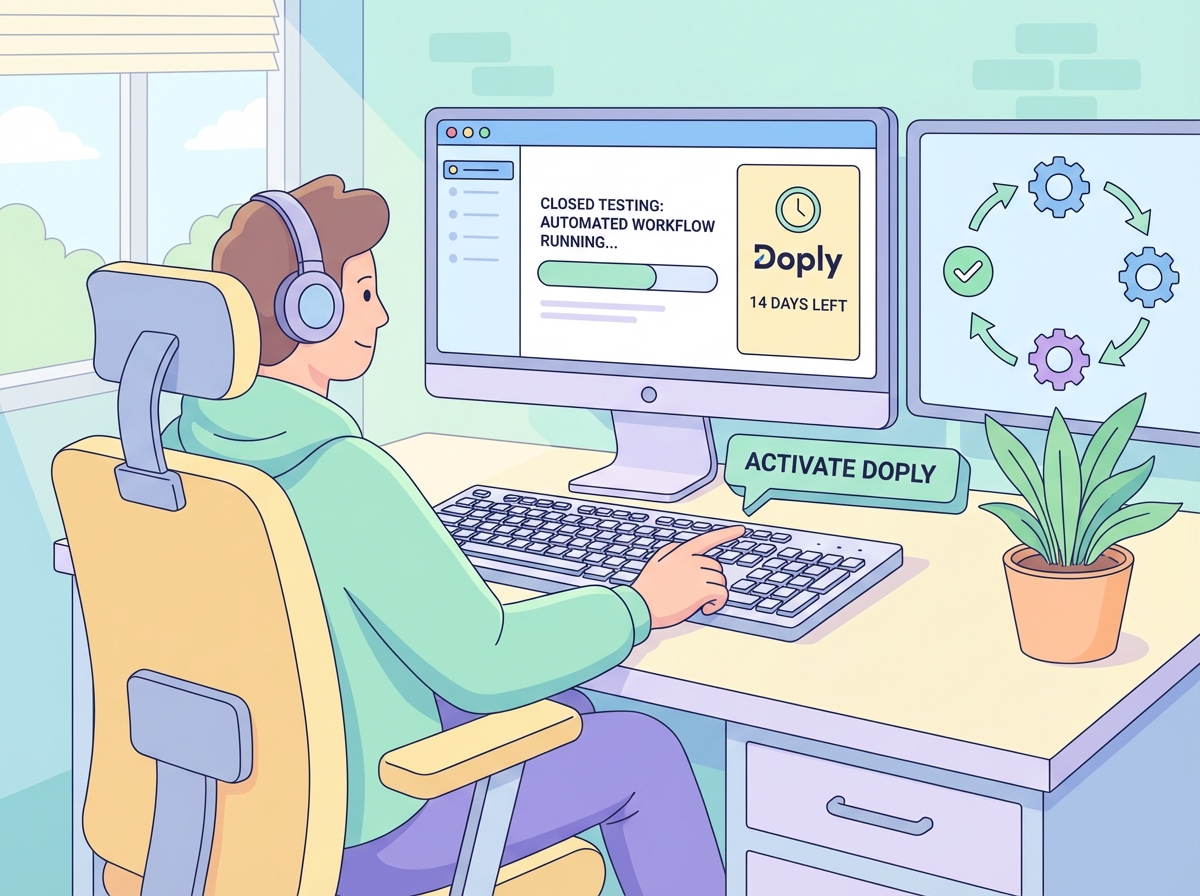
- ✅ Automatic 14-day testing period fulfillment
- ✅ Real user feedback auto-collection
- ✅ Tester management
How It Works:
- Sign up for Doply
- Enter your app information
- Start testing
- Automatically pass closed testing in ~14 days
Why Outsource This?
Save Time
- Manual: Weeks to months
- Doply: Complete in ~2 weeks
Zero Failure Risk
- Manual: High risk
- Doply: 100% pass rate
Focus on Development
- Invest time in core development
- Outsource testing, focus on strengths
4. From Testing to Production Launch
After passing closed testing, you can apply for Production Access.
Production Access Application
- Play Console → Setup → App access → Request production access
- Enter app name, screenshots, category info
- Developer account verification
- Review wait (2-7 days)
5. Success Strategy Summary
| Stage | Manual | With Doply |
|---|---|---|
| Tester Recruitment | Weeks to months | Auto-recruited |
| Period Fulfillment | 14+ days | Auto-fulfilled |
| Failure Risk | High | Near Zero |
| Time Investment | Significant | Focus on Dev |
The Bottom Line
Android closed testing is one of the biggest hurdles for solo developers.
But with professional services like Doply, you can easily overcome this obstacle.
Focus on development. Let the professionals handle testing.
Your app belongs in the world! 🚀
